Change a size on the left → the drawing updates live. Click an idea image to flip to that style. Save ships the design to me to write into your spec.
🔊 Speaker type
📐 Cabinet size
🔩 Drivers
💵 Budget
📝 Notes
Live plan — your cabinet as you set it
Front baffle (scale)
Side profile + port
💡 Start-from ideas (images)
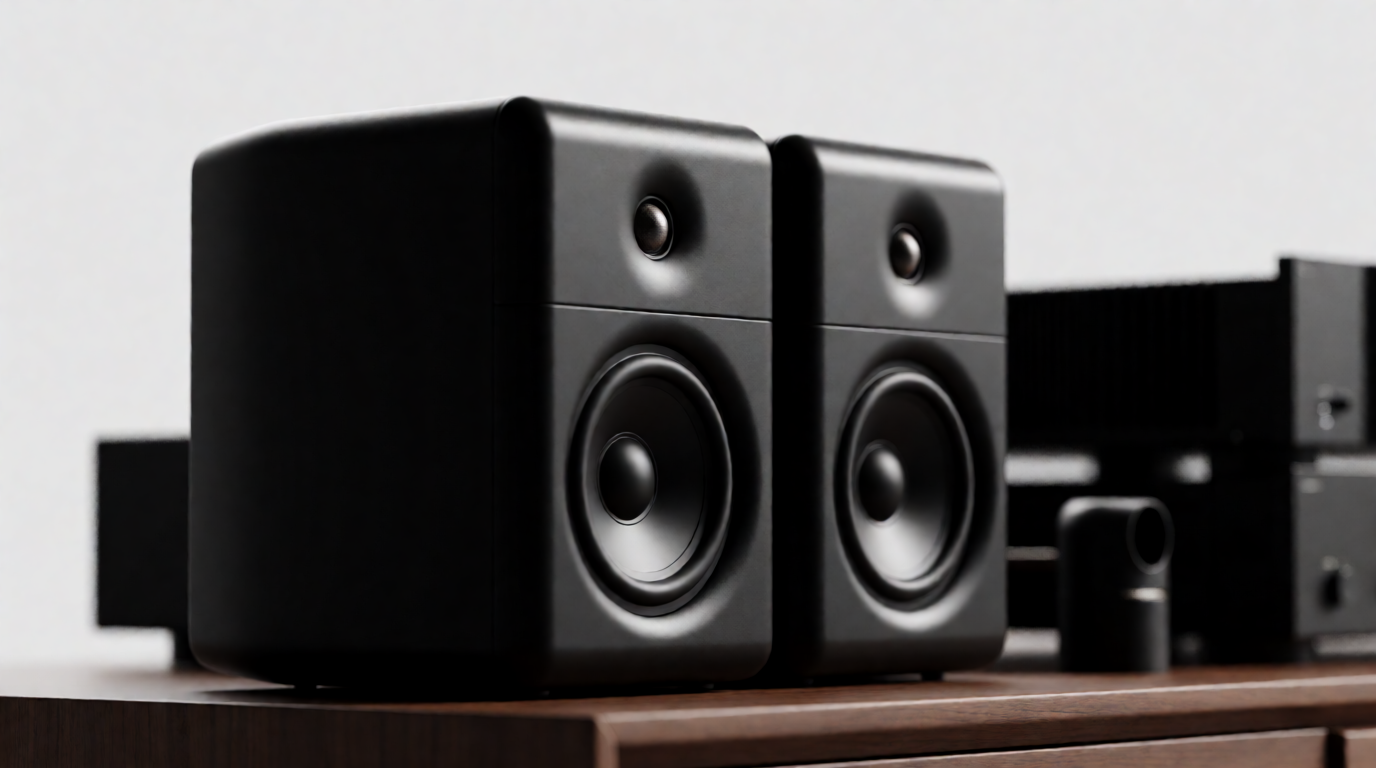
2-way bookshelf
your current build · black satin
Current
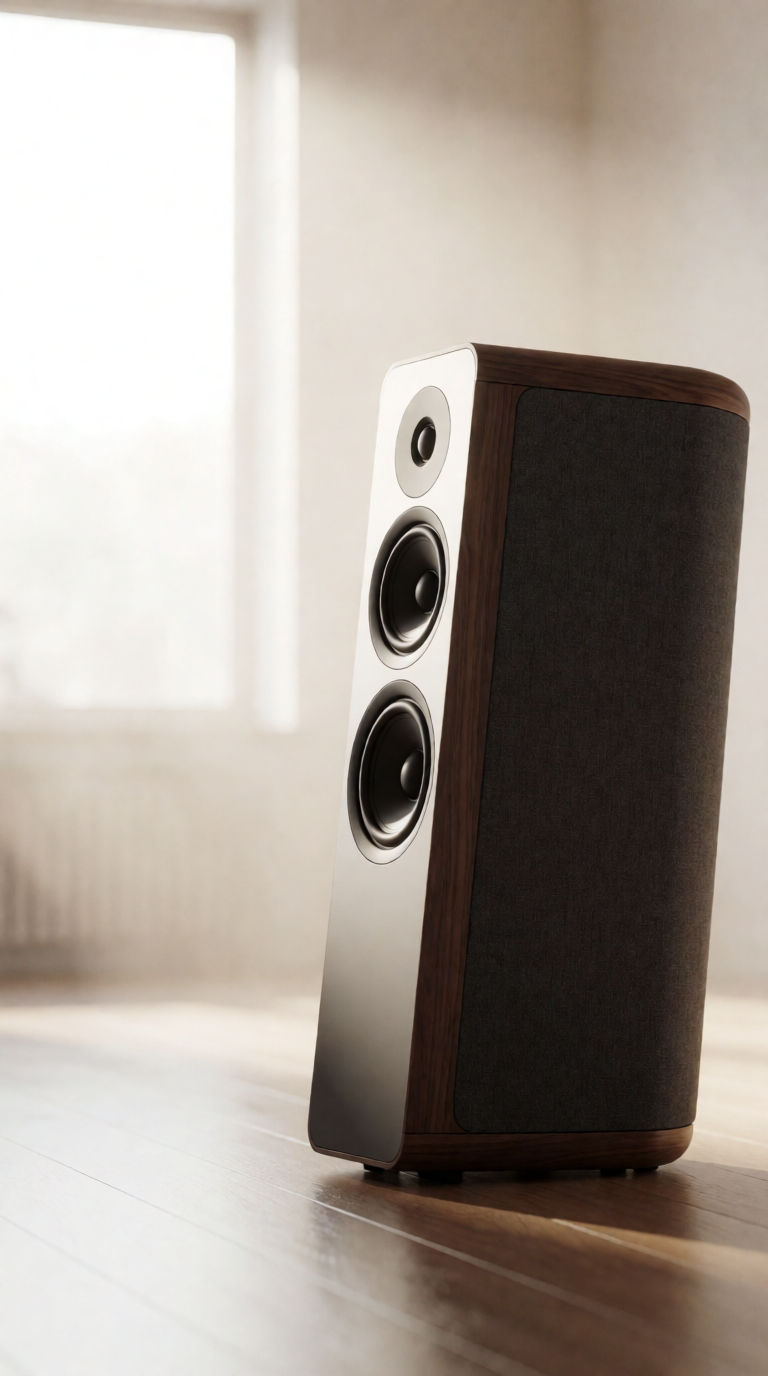
3-way tower
taller cabinet, 3 drivers
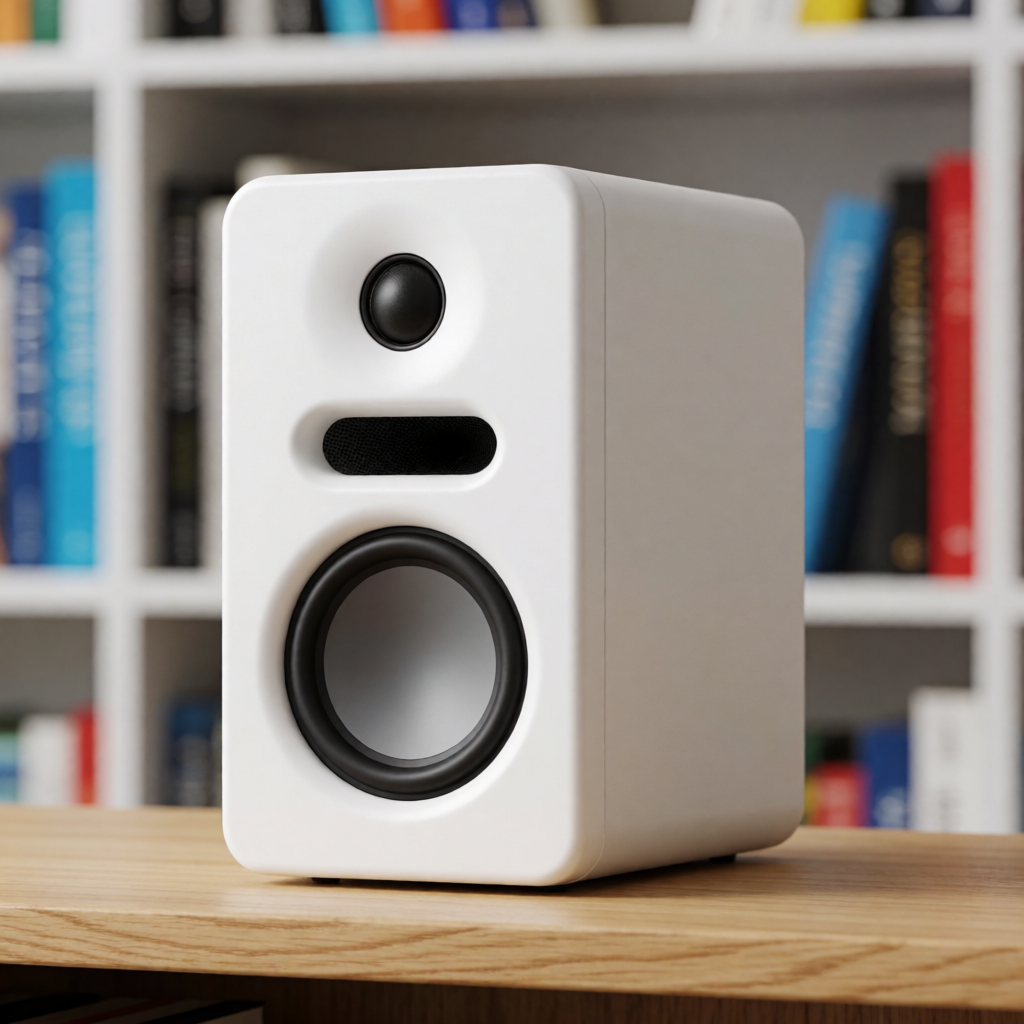
2-way sealed
matte white, no port
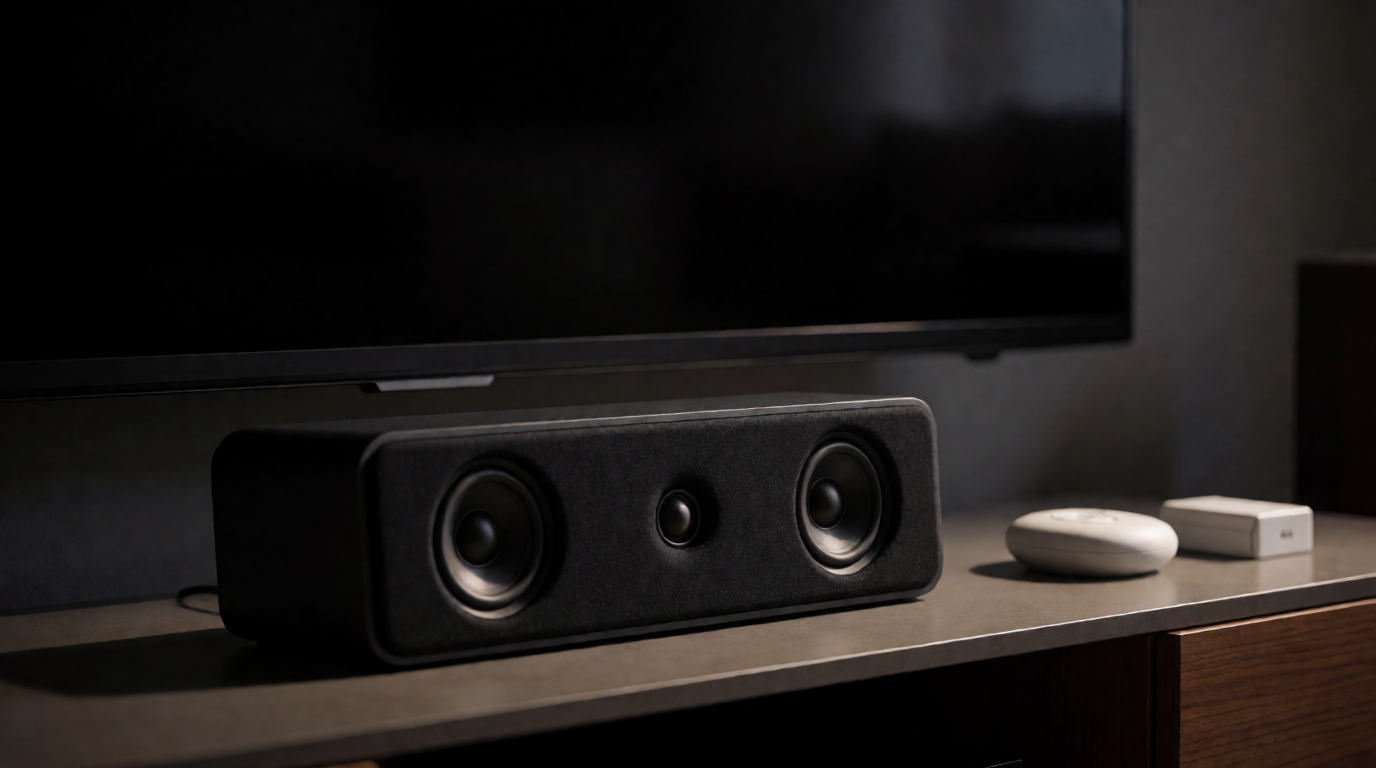
Center channel
for home cinema
How it works: values save to your browser (localStorage). Press 💾 Save this design
in the Hermes chat and I take these numbers, write them into state/spec.md, and rebuild the report +
drilling templates from your new dimensions. In a plain browser it just keeps your edits locally and lets you export.
➕ Start a NEW build blanks the form for a different speaker without touching this one's saved files.